






Built for
Cresca: Teams of every size sending app email and marketing campaigns from one account
Resend: Describes itself as the email API for developers

 Resend alternative · facts checked October 20, 2026
A Resend alternative for teams that send app email and marketing campaigns. Cresca gives you a transactional email API and AI-designed marketing campaigns in one account, on one plan, from your own verified domain.
Cresca at a glance
Tap a screen to take a closer look.Hover a screen to take a closer look.
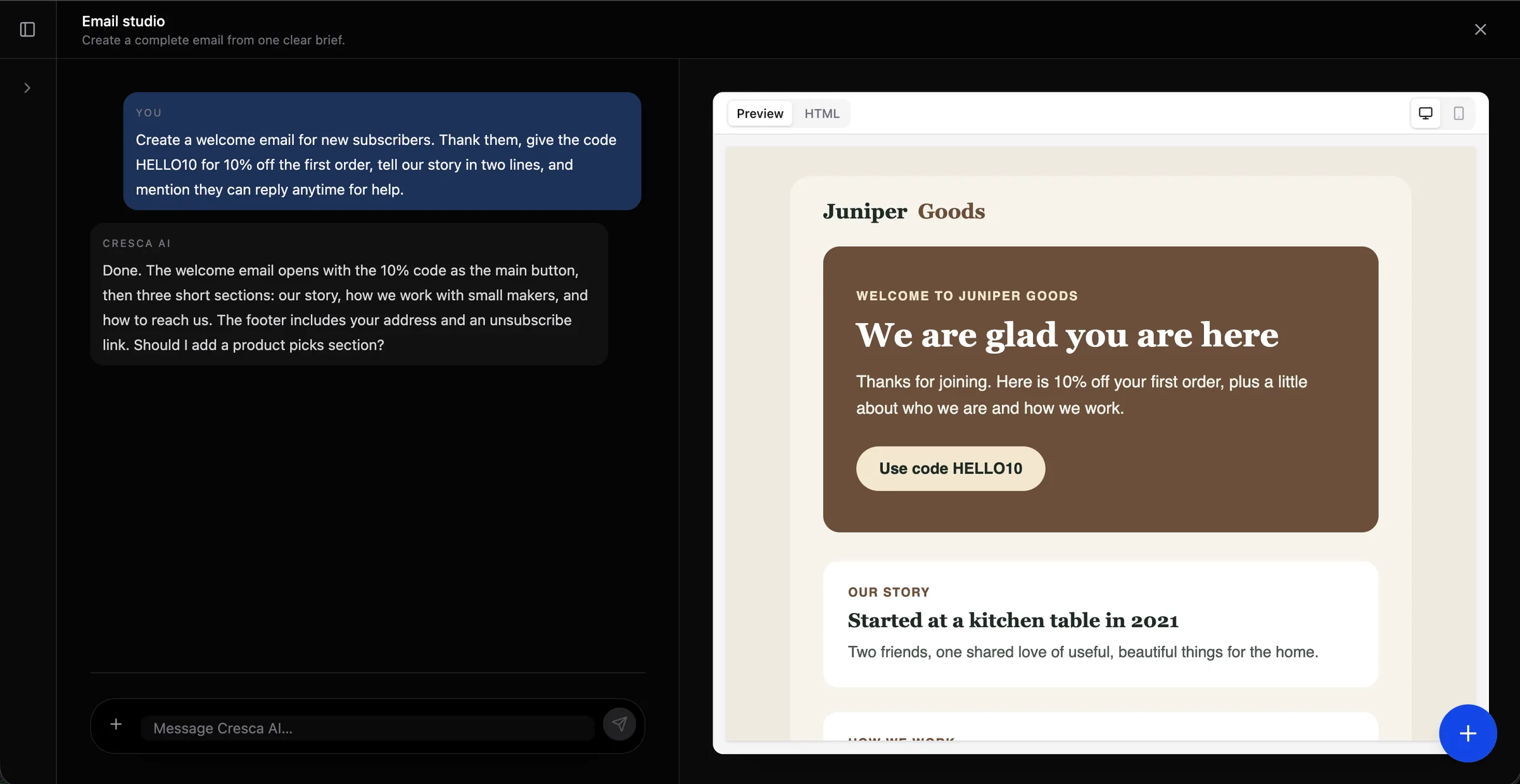
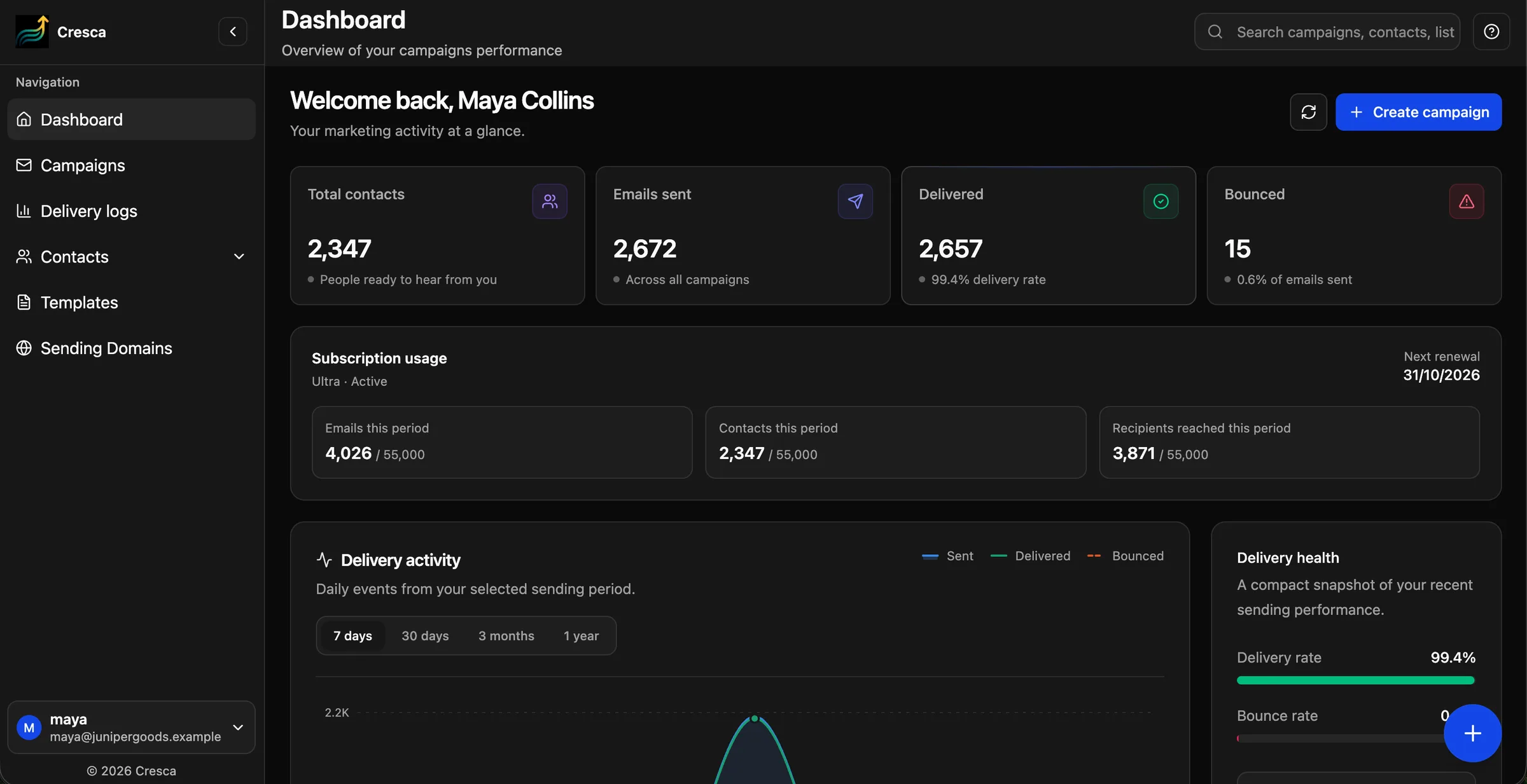
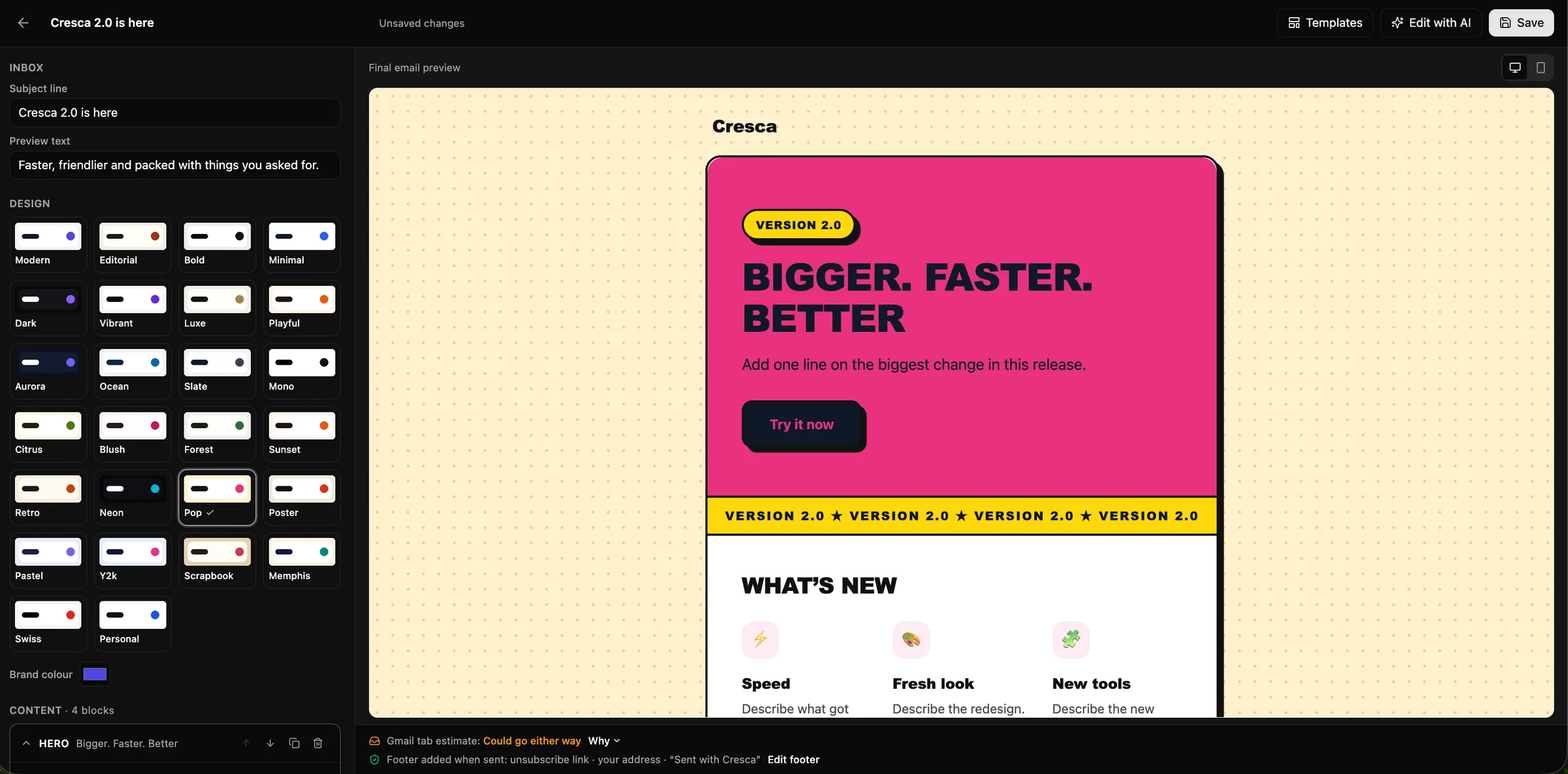
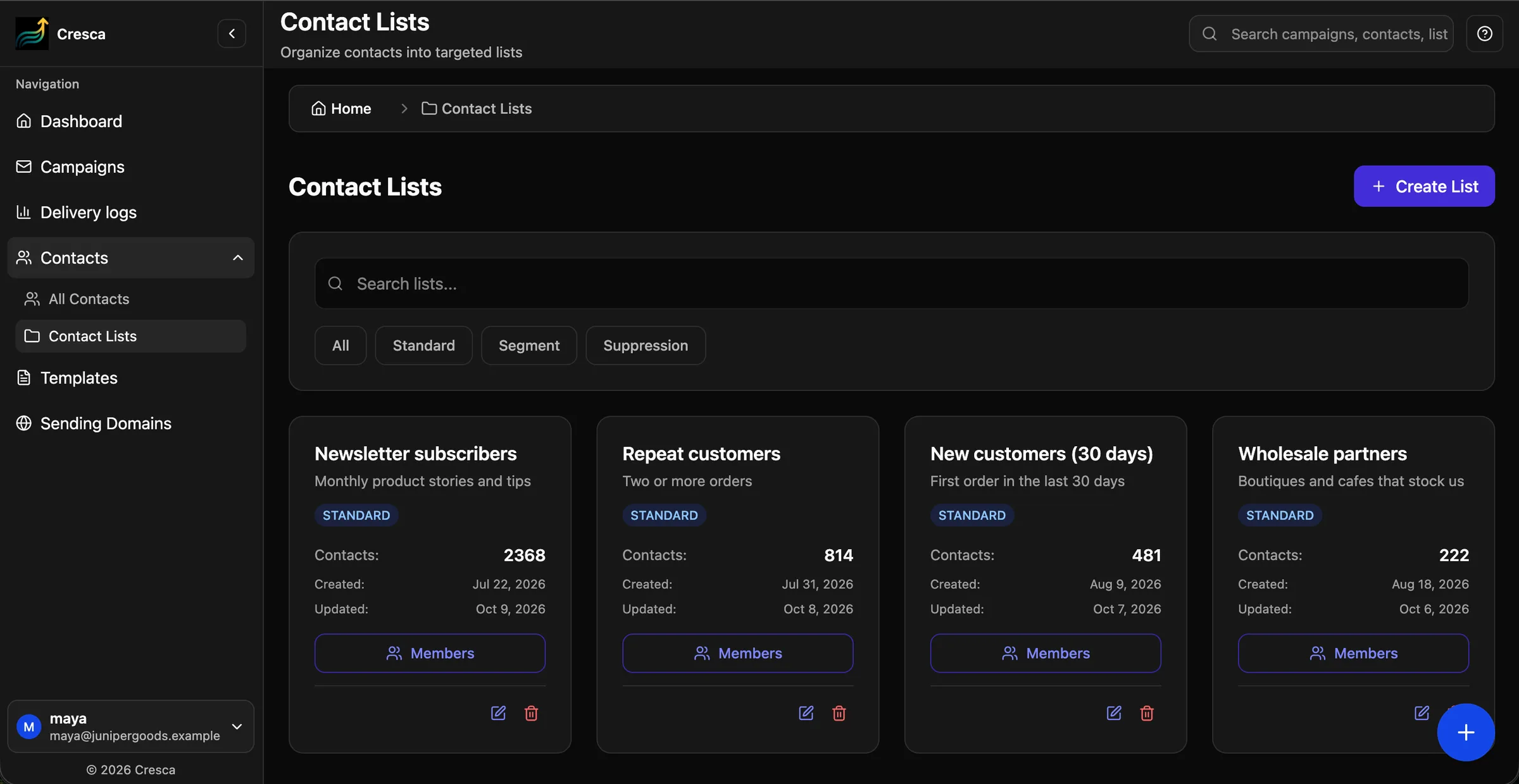
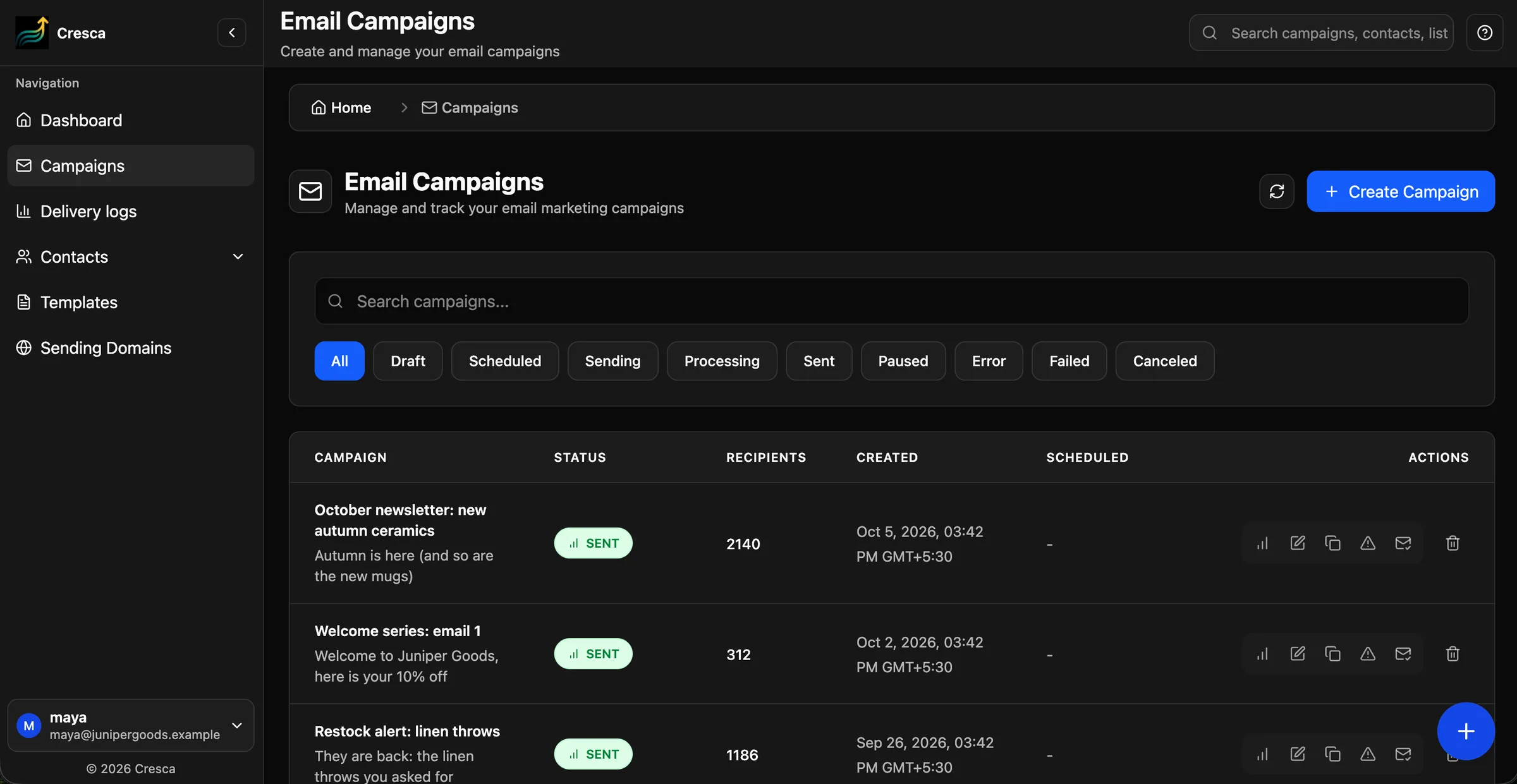
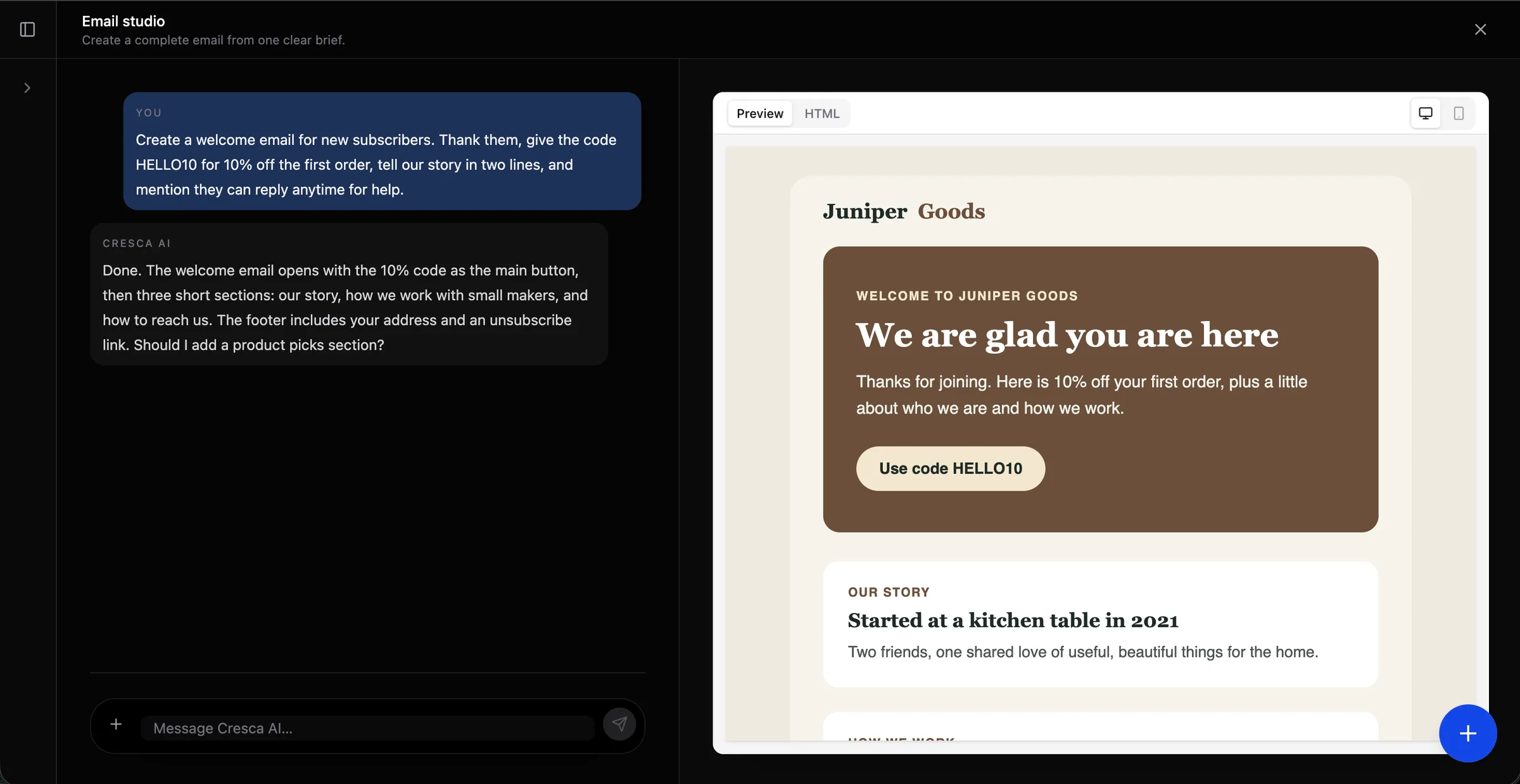
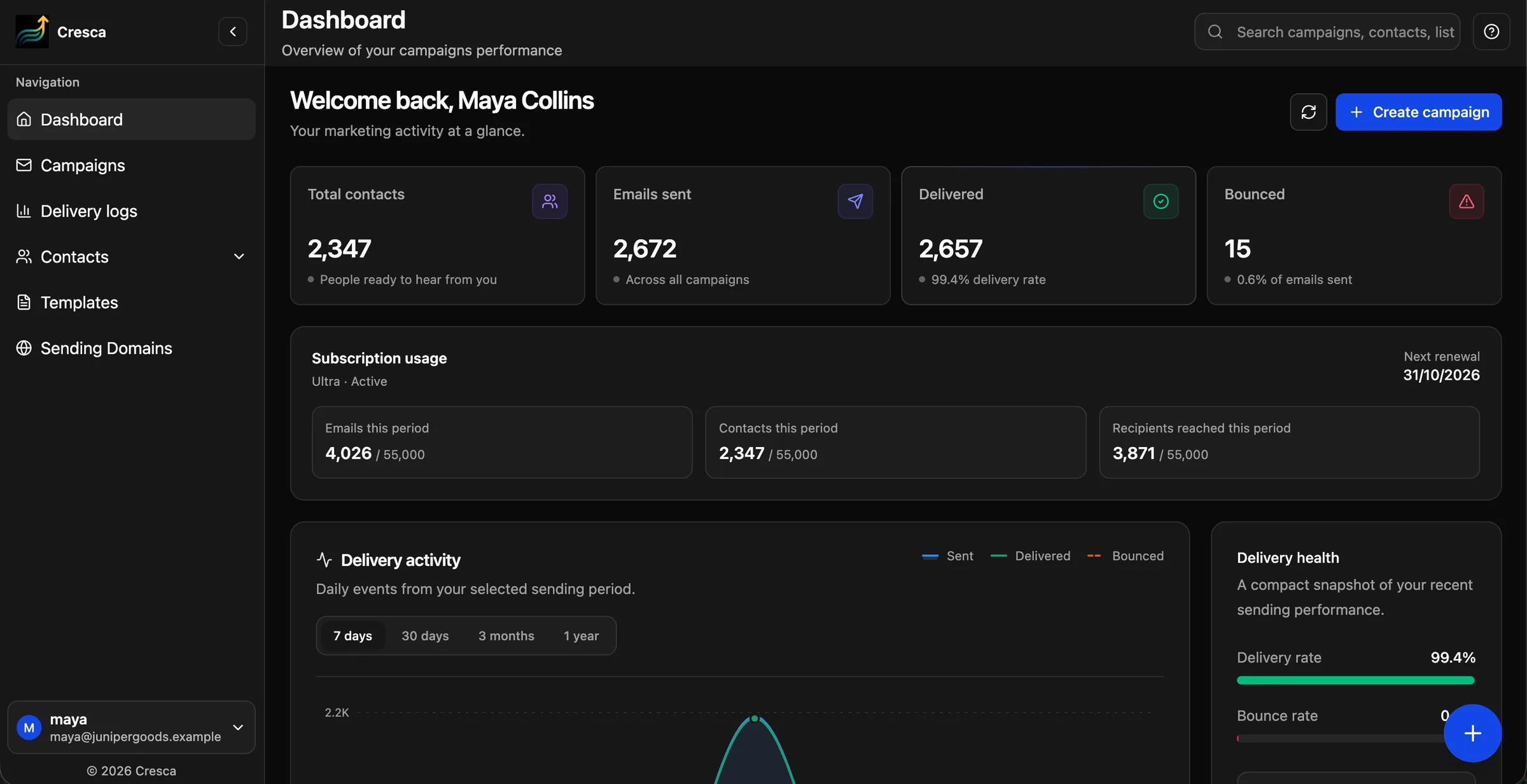
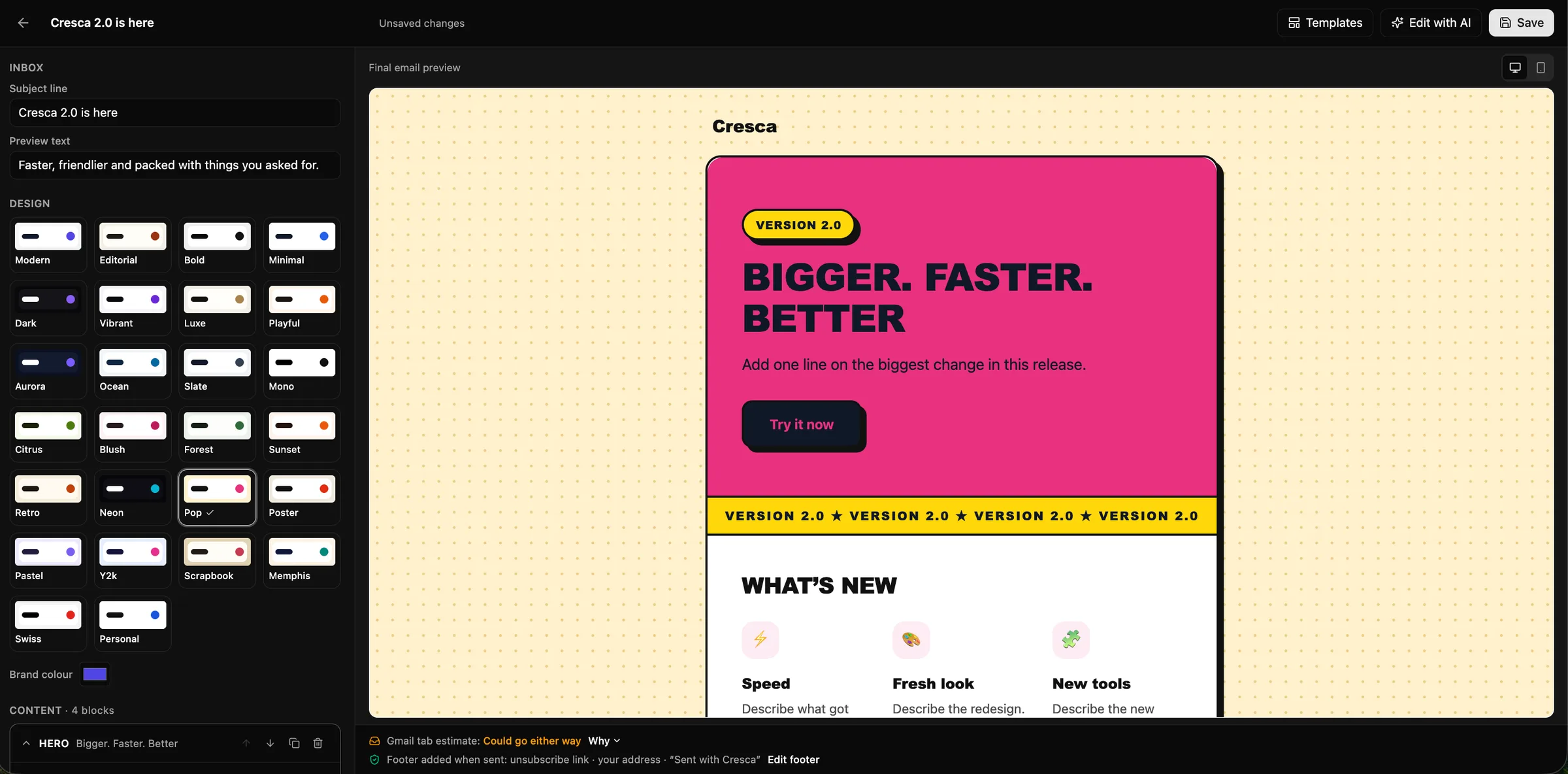
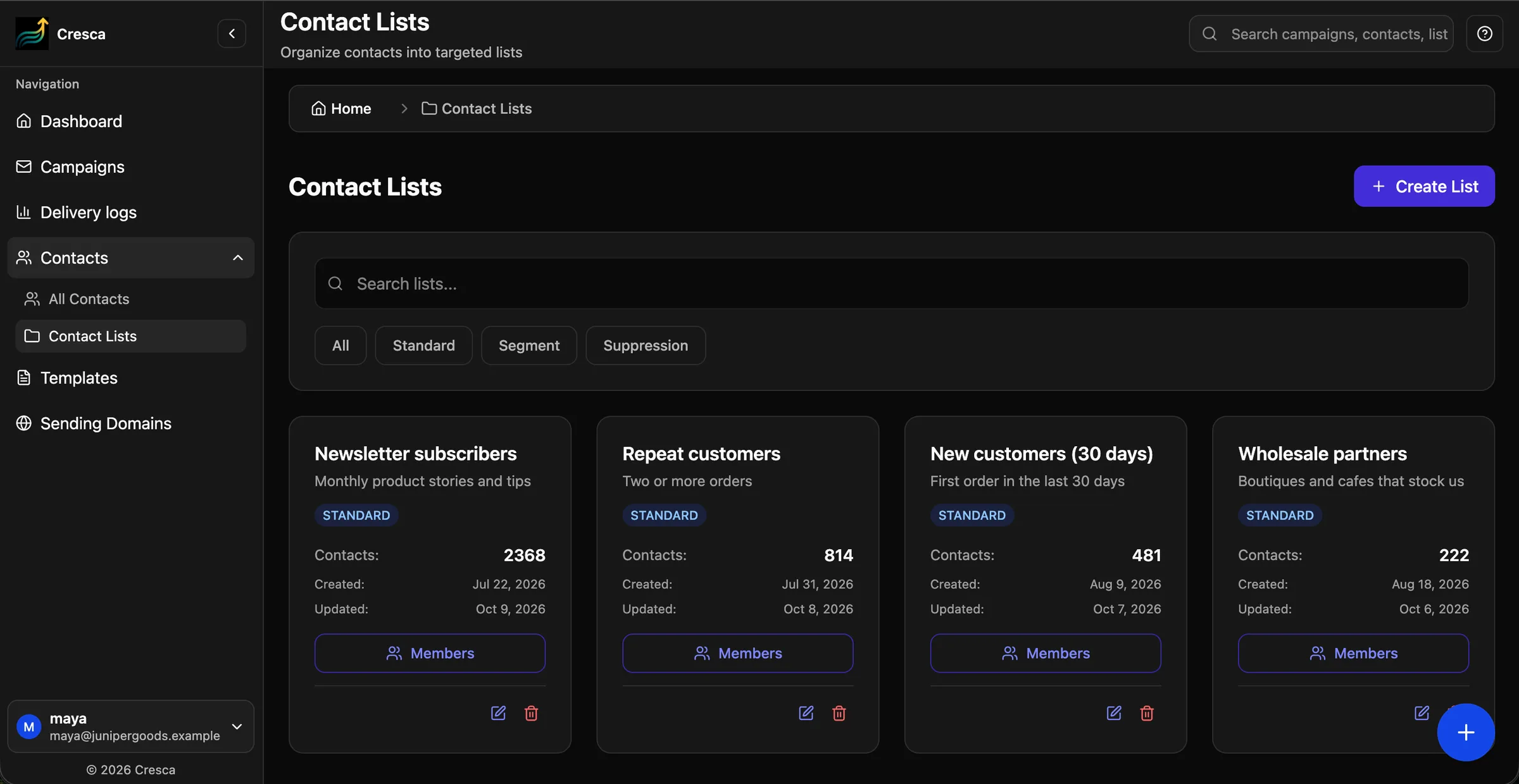
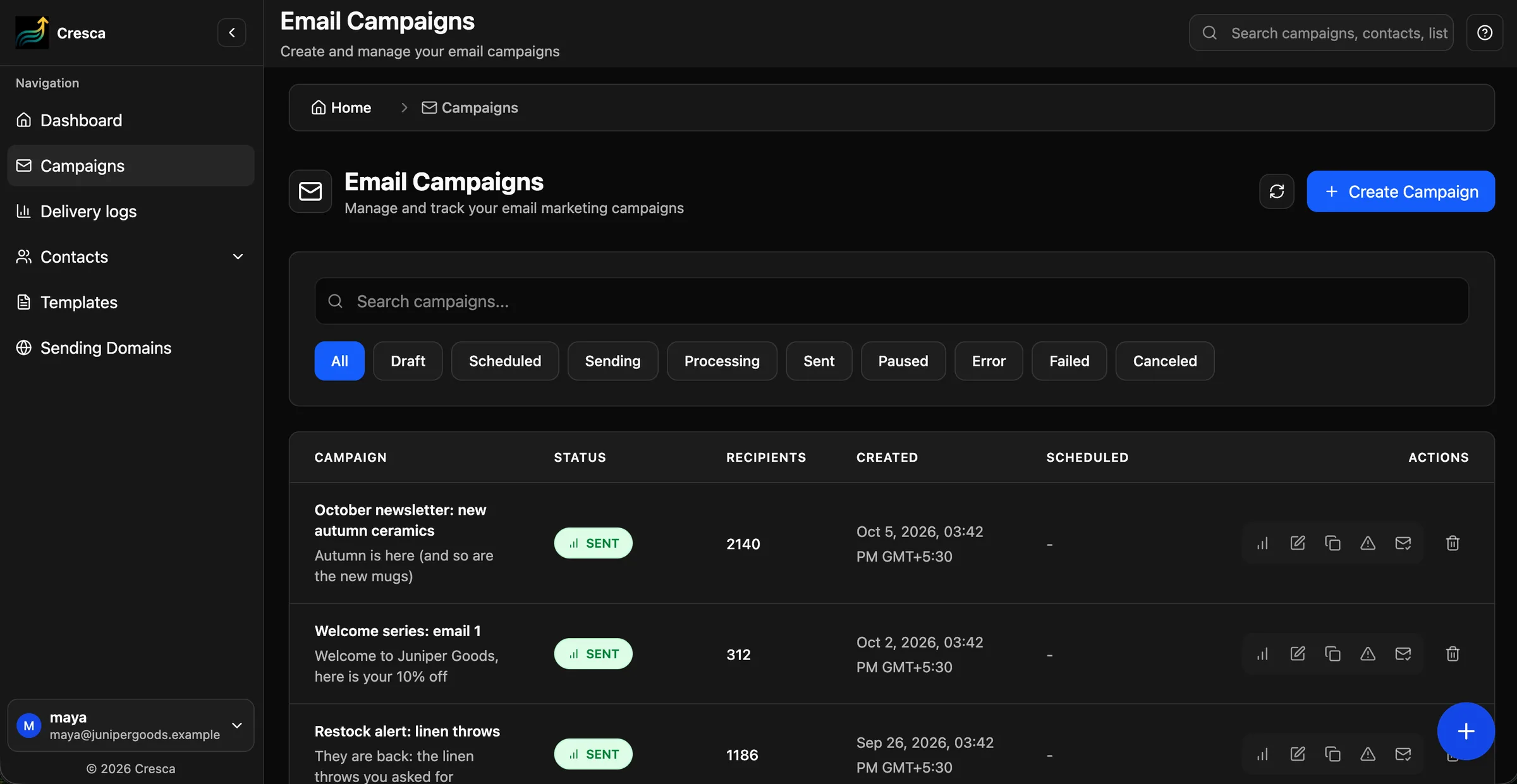
AI agent
Comparison
How the two platforms differ for transactional and marketing email, based on public information from Resend.
Cresca ResendCresca: Teams of every size sending app email and marketing campaigns from one account
Resend: Describes itself as the email API for developers
Cresca: REST API with batch sends (up to 100 per request), scheduling up to 30 days ahead, attachments and idempotency keys
Resend: REST API with batch sending (up to 100 per request) and official SDKs
Cresca: AI agent designs complete on-brand campaigns from a brief, with 36 templates, a design editor and a Gmail tab estimate
Resend: Broadcasts with contacts and segments, on separate marketing plans priced by contacts
Cresca: One plan covers API email and campaigns: from $29/month for 7,500 emails and 5,000 contacts
Resend: Separate plans for transactional email and for marketing
Cresca: Template editor with variables, test emails and version history; send by alias
Resend: Templates in an editor, or built in code with React Email
Cresca: 30-day Free plan with no credit card, API included
Resend: Free plan with a daily sending limit
Cresca: On the roadmap: outbound webhooks and SMTP relay. Today, read each email’s status as last_event or in the dashboard
Resend: Webhooks and SMTP relay on all plans
Resend information is based on publicly available sources as of October 20, 2026. Plans and features change, so check Resend’s own website for current details. Compare other platforms
Transactional API
Send password resets, receipts and alerts through the Cresca API, from the same verified domain and plan as your campaigns.
A plain REST API. JSON over HTTPS at api.cresca.xyz/api/v1. Send one email or a batch of up to 100 per request, from any language that can make an HTTP call. Docs
Your own verified domain. Every email goes out from a sender on a domain you verified in Cresca, with SPF and DKIM in place. Docs
Idempotency keys. Send an Idempotency-Key header and a retried request returns the first result instead of a second email. Docs
Templates with variables. Design an email in the template editor, publish it, and send it by alias with your own values. Every published version is kept. Docs
Status for every email. The API returns each email’s latest status as last_event, and the dashboard shows its full event timeline. Docs
Limits that grow with your plan. Requests per second depend on the plan, and API email shares the plan’s monthly email allowance with your campaigns. Docs
curl -X POST 'https://api.cresca.xyz/api/v1/emails' \
  -H 'Authorization: Bearer cr_live_xxxxxxxxx' \
  -H 'Content-Type: application/json' \
  -H 'Idempotency-Key: password-reset/user-123' \
  -d '{
  "from": "Acme <hello@acme.com>",
  "to": "user@example.com",
  "subject": "Reset your password",
  "html": "<p>Click <a href=\"https://acme.com/reset?token=abc\">here</a> to reset your password.</p>"
}'{
"id": "4ef9a417-02e9-4d39-ad75-9611e0fcc33c"
}Why teams switch
Each part of the email program, handled in one workspace.
Subscription usage
Professional · $29 per month
Flat monthly price for your plan.
One account for app email and campaigns. Password resets, receipts and newsletters share one plan, one monthly allowance and the same verified domains.
AI that designs your marketing email. Describe a campaign in one sentence. The AI agent picks a theme, writes the copy and lays it out with your brand.
yourdomain.com
Sending domain · Verified
Sender: hello@yourdomain.com
Your own domain for every send. Verify a domain once with guided SPF and DKIM records, then use it for API email and campaigns alike.
Delivery you can check. Every API email has a status the API returns as last_event, and the dashboard shows its event timeline.
Start to finish
Describe the campaign in one sentence.
The agent picks a theme and applies your brand.
Choose the lists that should receive it.
Deliveries, bounces and opt-in opens and clicks.
Cresca shows the exact DNS records to add, or adds them for you on Cloudflare, then checks them and marks the domain ready.
Switching
Add the DNS records Cresca shows you, or connect Cloudflare and let Cresca add them. Then add a sender on that domain.
Create a sending-access key for production servers and keep it in your server’s environment.
Field names follow the same conventions as Resend, so moving is mostly a change of base URL and API key.
Design
The agent and the editor work on the same email, so you can mix both.
Let the agent design the email from a brief, then fine-tune any block yourself. Both edit the same email.
Switch between themes like Modern, Editorial, Bold or Minimal in one click; your brand colour is applied on top.
See whether Gmail is likely to file the email under Promotions, and what is pushing it there, before you send.
Verify your domain with guided SPF and DKIM records, set up automatically if your DNS is on Cloudflare.
Pricing
Try everything first
$0 for 30 days
Growing lists
$29 per month
Bigger list? Premium is $49/month for 25,000 contacts and Ultra is $99/month for 55,000. Compare all plans
Why Cresca
What Cresca does differently from Resend for app email and campaigns.
A transactional email API and AI-designed marketing campaigns in one account
API email that shares your plan’s monthly allowance, with no separate marketing plan
Request fields that follow the same conventions as Resend (from, to, reply_to, scheduled_at, tags)
Idempotency keys, so a retried request never sends a second email
Templates with variables, test emails and version history
An AI agent that designs the whole campaign email from one sentence
Sending from your own domain, with guided SPF and DKIM setup
Email support on every plan, with priority support on paid plans
Free for 30 days with no credit card. Paid plans from $29 a month.
Start for freeFAQs
What teams ask before moving from Resend. Still have a question?
Yes. Cresca sends transactional email through a REST API from your own verified domain, and in the same account an AI agent designs and sends your marketing campaigns.
Cresca’s field names and responses follow the conventions used by popular email APIs such as Resend, so moving an existing integration is mostly a change of base URL and API key. Verify your domain and add a sender in Cresca first.
Not yet. Outbound webhooks and an SMTP relay are on the roadmap. Today you check each email with GET /emails/{id}, which returns its latest status as last_event, or in the dashboard timeline.
API email shares your plan’s monthly email allowance with your campaigns. Professional is $29/month for 7,500 emails and 5,000 contacts. API requests per second depend on the plan, from 2 on Free to 100 on Enterprise.
Yes, for 30 days with no credit card: 50 contacts and 50 emails, with the API, the AI agent and all 36 templates included.
Free for 30 days, no credit card. Verify your domain, create an API key and send your first email the same day.