

Email campaign reporting you can trust
Every campaign shows what happened after it left Cresca. Delivery numbers first, and opt-in opens and clicks that leave link scanners and bots out.
30-day Free plan · No credit card required
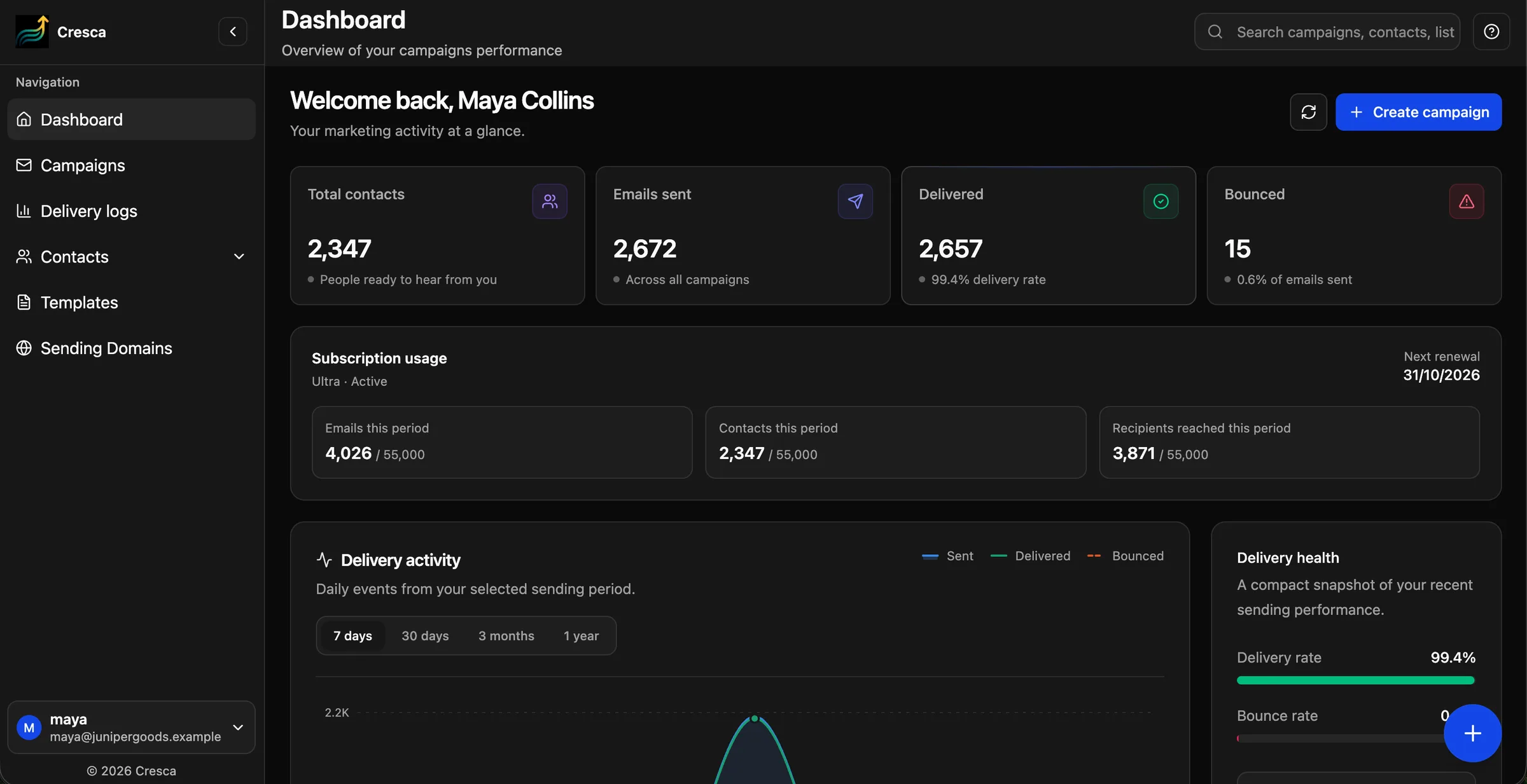
Deliveries
For every campaign
Bounces
Suppressed automatically
Opens & clicks
Opt-in tracking
Bots
Left out of the totals
Features
Everything in Email Analytics
Included on every plan, from the 30-day Free plan upward.
Deliveries
Recipients and deliveries for every campaign.
Bounces and complaints
Recorded automatically and suppressed from future sends.
Unsubscribes
Honoured across all campaigns, with signed one-click links.
Opt-in opens and clicks
Unique human opens and clicks, counted once per contact.
Bots left out
Link scanners and prefetchers are detected and not counted.
Delivery logs
See the delivery events behind each send.
Email analytics
Delivery health first
Open rates became unreliable when mail apps started loading images automatically. Cresca leads with the numbers that tell you whether email is reaching people, and treats opens as one signal among several.
- Shown as campaign totals, never per person
- Sending pauses if bounce or complaint rates rise
How it works
Up and running in three steps
- 1
Send a campaign
Every send is reported automatically.
- 2
Turn on tracking
Optional: enable opens and clicks for a sending domain.
- 3
Read the report
Compare deliveries, bounces, complaints and engagement.
FAQ
Questions, answered
Does Cresca track opens and clicks?+
Yes, as an opt-in setting on each sending domain. Tracked links use your own tracking subdomain and reports count unique human opens and clicks.
Why are some opens not counted?+
Link scanners and image prefetchers open and click emails automatically. Cresca detects these and leaves them out of the totals.
Can I see which contact opened an email?+
No. Engagement is shown as campaign totals, not per person.
Ready to send your next campaign?
Create your first AI-designed email in minutes. Free for 30 days.